




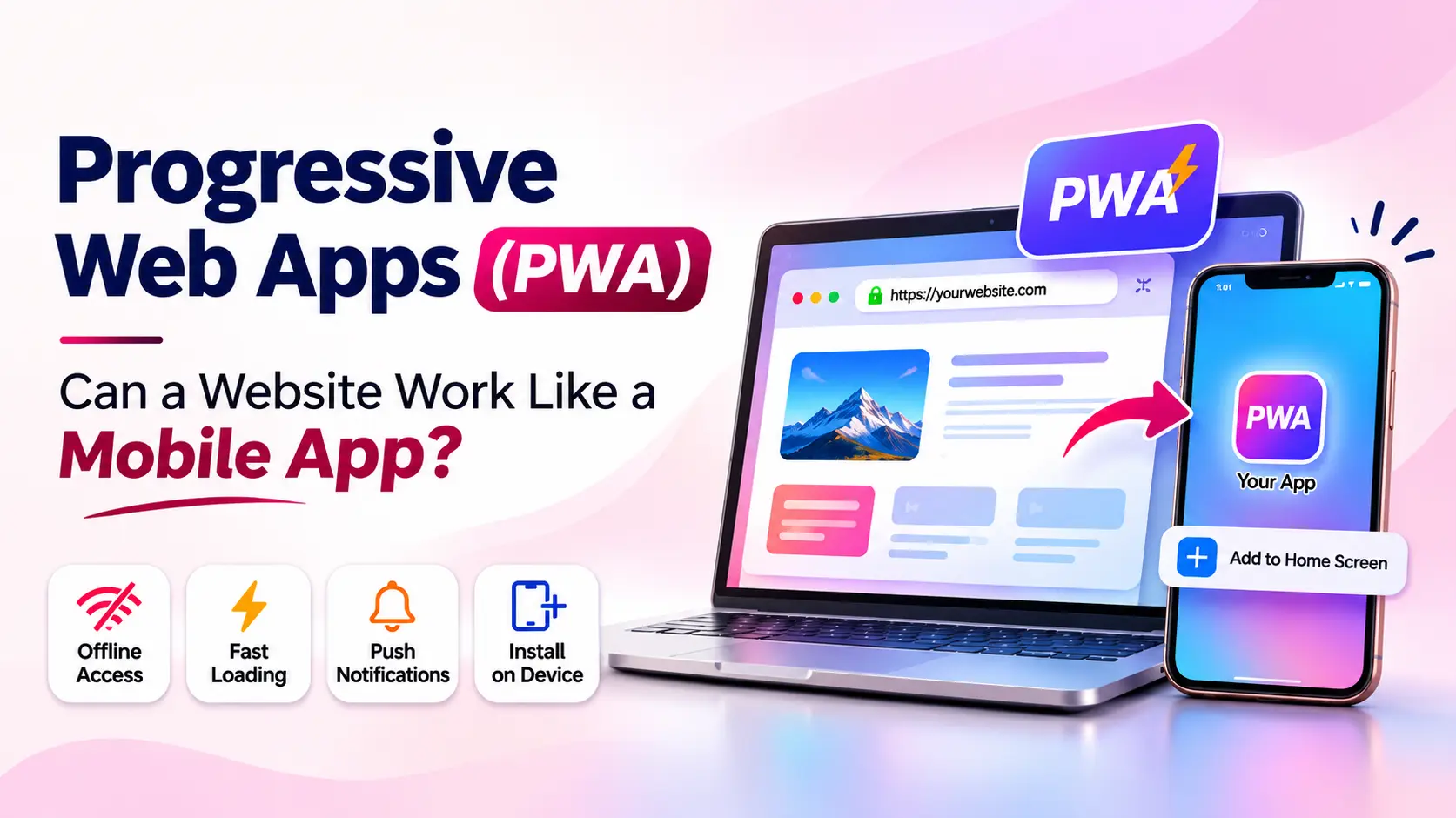
People expect websites to do more than display information. They want pages that load quickly, work smoothly on mobile devices, and make everyday tasks simple. Many also enjoy the convenience of opening an app directly from their phone’s home screen.
So, can a website provide an experience similar to a mobile app without requiring users to download a traditional application? In many cases, yes. This is where Progressive Web Apps (PWA) come in.
A Progressive Web App uses modern web technologies to combine the reach of a website with selected app-like features, such as installation, offline access, and push notifications on supported devices.
In this guide, we explain how PWA development works, its key features, business benefits, limitations, and when a PWA may be the right choice for your project.
1. What Is a Progressive Web App (PWA)?
A Progressive Web App (PWA) is a web application built with web technologies that can provide an app-like experience. Users can open it through a supported browser, and on supported devices they may be able to install it or add it to their home screen.
Unlike a basic website, a well-designed PWA can use caching to make selected content available offline, load previously visited pages more quickly, and support features such as push notifications where the browser and operating system allow them.
A PWA is still a web application. It does not automatically become a native Android or iOS app, and its access to device features depends on platform support.
2. How Does a Progressive Web App Work?
PWA development combines familiar web technologies with browser capabilities. Three important building blocks are the web app manifest, service workers, and a secure HTTPS connection.
Web App Manifest
The web app manifest is a JSON file that describes how the application should appear when installed. It can define the app name, icons, theme color, start page, and display mode.
Service Workers
A service worker is a JavaScript file that runs separately from the webpage. It can intercept network requests and manage cached resources, helping developers create offline experiences and improve repeat-visit loading performance. It can also support push notifications where available.
HTTPS Security
A secure HTTPS connection protects data sent between the website and its visitors. Service workers require a secure context, so HTTPS is an essential part of deploying a production PWA.
3. Key Features of Progressive Web Apps
Installable Experience
On supported platforms, users can add a PWA to their home screen or install it. It can then open in an app-like window, making it easier to return to the service.
Offline Access
With thoughtful caching, a PWA can display selected pages or previously saved information when the user has a weak or unavailable internet connection. Offline features must be planned and implemented; they are not automatic.
Push Notifications
Supported browsers and devices can allow a PWA to send push notifications after the user grants permission. Businesses may use them for order updates, reminders, or important announcements without overusing notifications.
Responsive Design
A PWA should adapt to different screen sizes. Responsive layouts make it easier for visitors to use the same application on phones, tablets, laptops, and desktop computers.
App-Like Navigation
Developers can create smooth navigation, clear menus, and focused user journeys that make a web application feel familiar to people who regularly use mobile apps.
4. PWA vs Traditional Mobile App: What’s the Difference?
A PWA and a traditional mobile app can both help customers use digital services, but they are built and distributed differently.
| Feature | Progressive Web App | Traditional Mobile App |
|---|---|---|
| Access | Browser link or installed PWA | Installed through an app store or supported distribution |
| Installation | Installable on supported platforms | Usually installed by the user |
| Updates | Web content and code can be updated on the server | App updates are commonly distributed through stores |
| Offline use | Possible for cached features and content | Can be designed for extensive offline use |
| Device features | Depends on browser and platform support | Often broader native integration |
| Best suited for | Web-first services and broad browser access | Advanced device features and app-centric experiences |
There is no single best option for every project. Read our related guide, Website vs Web App vs Mobile App, to understand which approach may fit your business goals.
5. Benefits of Progressive Web Apps for Businesses
Reach Customers Through a Link
Customers can open a PWA through a URL, which makes it easy to share through search results, email, social media, or a message.
A Consistent Cross-Device Experience
A responsive PWA can provide a consistent experience across supported browsers and devices, while allowing the business to maintain a shared web application.
More Convenient Repeat Visits
Home-screen installation, caching, and clear navigation can make it easier for returning users to access a service.
Potential Performance Improvements
Caching frequently used resources can improve repeat-visit performance. Actual speed depends on the application’s code, hosting, assets, and network conditions.
A Practical Web-First Approach
For businesses whose requirements are primarily web-based, a PWA may provide useful app-like capabilities while keeping the main product accessible through the web.
6. Examples of Progressive Web Apps
A number of well-known companies have used PWA approaches or PWA-inspired web experiences. Examples often discussed include:
- Starbucks: Its web ordering experience has demonstrated how a web application can support convenient ordering.
- Pinterest: Its mobile web experience has used PWA techniques to improve browsing and engagement.
- Uber: Its lightweight web experience illustrates how users can access key services through a browser.
The exact features of each service can change over time. These examples show the broader idea: web technologies can deliver useful, app-like experiences without making a traditional app the only way to access a service.
7. When Should Your Business Choose a PWA?
A Progressive Web App for business may be worth considering when you want to:
- Make a web service easier to access on smartphones.
- Allow users to install your web application on supported devices.
- Provide selected offline content or functionality.
- Create a responsive experience across desktop and mobile.
- Reach customers directly through a shareable web link.
- Improve the experience of an existing web application.
For example, a restaurant ordering service, learning platform, booking portal, or product catalogue may benefit from PWA features if the required browser capabilities are supported.
8. Technologies Used in PWA Development
Developers use standard web technologies to build a Progressive Web App. The technology stack depends on the application’s complexity and requirements.
- HTML: Structures the content and layout.
- CSS: Creates responsive layouts and visual styling.
- JavaScript: Adds interactive features and application logic.
- React.js: Can help build reusable user interface components.
- Node.js: Can power backend services and APIs.
- Service Workers: Manage caching and selected background capabilities.
- Web App Manifest: Defines app name, icons, colors, and launch behavior.
A PWA does not require one particular JavaScript framework. Developers can build one using standard HTML, CSS, and JavaScript or a framework that suits the project.
9. Limitations to Consider Before Building a PWA
Although PWAs offer useful capabilities, they are not a replacement for every native mobile application. Before choosing PWA development, consider the following:
- Platform differences: Installation steps and available features vary across browsers and operating systems.
- Device integration: Some advanced hardware and operating-system features may be unavailable or limited in browsers.
- Offline planning: Developers must deliberately decide what data and pages should be cached and how updates are handled.
- App store presence: A PWA is not automatically listed in Google Play or Apple’s App Store.
- Testing: The experience should be tested across the browsers and devices used by the target audience.
If your product depends on advanced native features or deep device integration, a native or cross-platform mobile application may be a better fit.
10. How Webcoder Can Help You Build Modern Web Applications
Choosing the right technology is an important step in building a useful digital product. The best solution depends on your customers, business goals, required features, and the devices your audience uses.
Webcoder helps businesses plan and develop digital experiences, from responsive websites to custom web solutions. If you are exploring a PWA, start by identifying the features your users actually need, such as installation, offline access, or notifications.
Explore Webcoder’s website development services to learn more about building a modern web presence.
You can also visit the Webcoder website to explore our services and get in touch about your project.
Frequently Asked Questions
1. What does PWA stand for?
PWA stands for Progressive Web App. It is a web application that uses modern browser technologies to provide selected app-like features.
2. Can a Progressive Web App work without the internet?
Yes, a PWA can provide access to cached pages and data while offline. The available features depend on how developers design and implement its caching strategy.
3. Can I install a PWA on my smartphone?
On supported devices and browsers, users can install a PWA or add it to their home screen. The exact process differs by platform.
4. Is a PWA better than a mobile app?
It depends on the project. A PWA can work well for web-first services, while a native or cross-platform app may be more suitable when advanced device features or deeper operating-system integration are required.
5. Do Progressive Web Apps support push notifications?
Yes, push notifications are available on supported browsers and platforms, subject to permission and platform requirements.
6. Does a PWA need a web app manifest and service worker?
A web app manifest provides installation-related information, while a service worker enables capabilities such as offline caching. Both are common parts of a PWA implementation.
Conclusion
Progressive Web Apps bring together the accessibility of the web and selected features commonly associated with mobile applications. With responsive design, a web app manifest, service workers, and careful caching, a PWA can offer a convenient experience across supported devices.
However, a PWA is not automatically the right choice for every business. Consider your users, required device features, offline needs, and long-term product goals before selecting a development approach.
Thinking about building a modern web application? Connect with Webcoder to discuss a solution that fits your business requirements.