




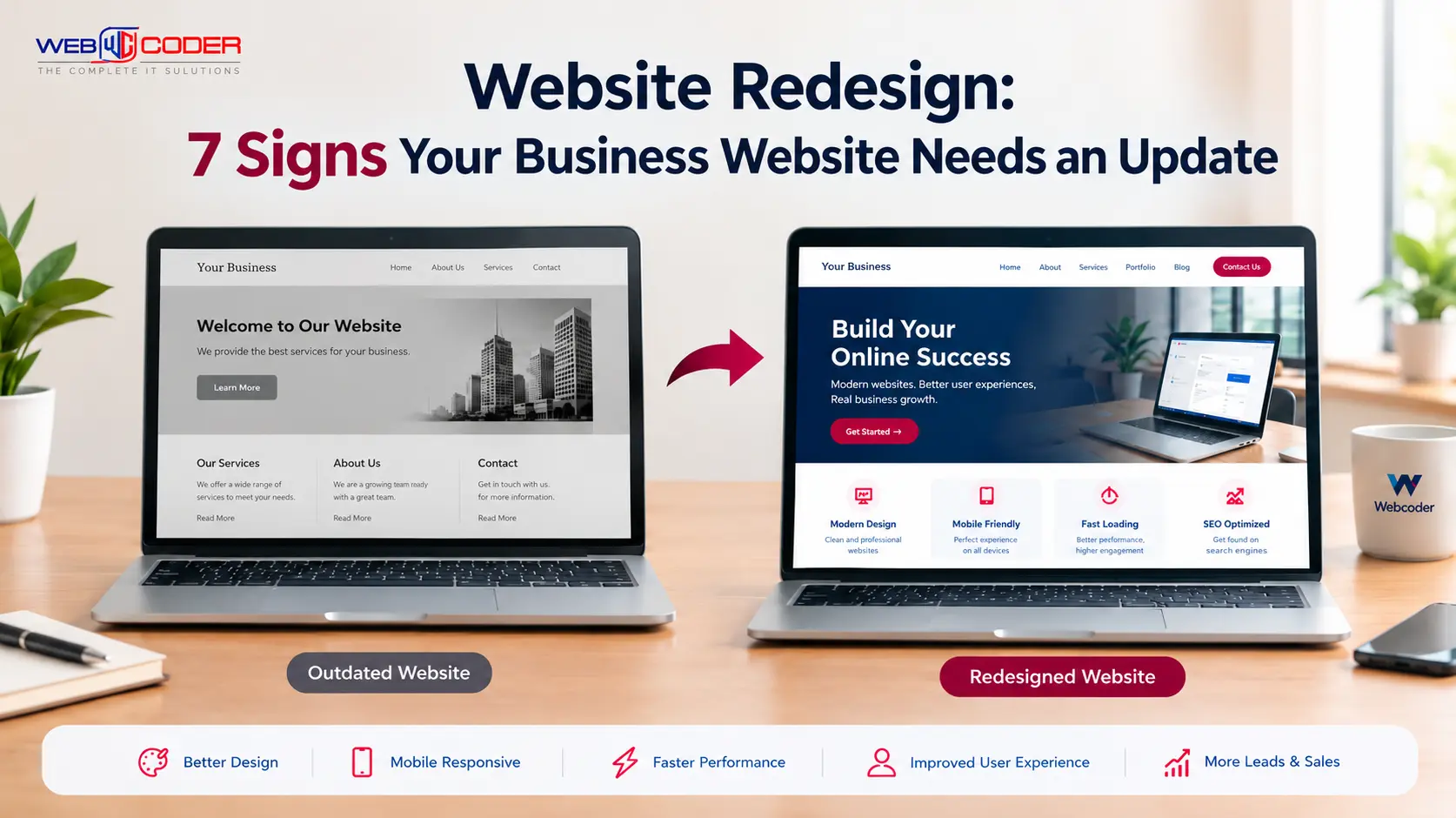
Your website is often the first place potential customers learn about your business. Before contacting you, purchasing a product, or visiting your office, people may explore your website to understand your services and decide whether they can trust your company.
But what happens when your website looks outdated, loads slowly, or becomes difficult to use on a mobile phone?
You may lose potential customers without even realizing it.
A website redesign can help improve your website’s appearance, usability, performance, and ability to support your business goals. However, redesigning a website is not always necessary simply because its design is old. The important thing is to identify whether your current website is meeting your customers’ needs.
In this guide, Webcoder explains seven signs that your business website may need an update and what you can do to improve it.
What Is a Website Redesign?
A website redesign involves improving the appearance, structure, functionality, or overall user experience of an existing website.
Depending on your business requirements, a redesign may include updating the visual design, improving mobile responsiveness, simplifying navigation, optimizing loading speed, improving website content, or rebuilding certain features.
Some websites need only a few improvements, while others may benefit from a complete redesign.
The right approach depends on your website’s current condition, business goals, and customer expectations.
1. Your Website Looks Outdated
First impressions matter in business. When visitors open your website, they expect a professional design that makes it easy to understand what your company offers.
An outdated website may have inconsistent fonts, cluttered layouts, low-quality images, excessive animations, or old information.
These issues can make your business appear less professional, even if your products or services are excellent.
How to improve it
- Use a clean, modern layout with consistent colors and typography.
- Replace blurry or irrelevant images with high-quality visuals.
- Display your main services clearly.
- Use consistent buttons and spacing throughout the website.
- Keep business information, contact details, and branding up to date.
A modern design should not just look attractive. It should help visitors find information and take action easily.
2. Your Website Does Not Work Well on Mobile Devices
Many people browse websites using smartphones and tablets. If your website requires visitors to zoom in, scroll sideways, or struggle with small buttons, they may leave before contacting your business.
A website that works well on a desktop computer may still provide a poor experience on smaller screens.
How to improve it
Make sure your website uses responsive website design so its layout adapts to different screen sizes.
Check that:
- Text is easy to read without zooming.
- Buttons are easy to tap.
- Images fit the screen properly.
- Menus work smoothly on mobile devices.
- Forms are simple to complete on a phone.
Test important pages on real mobile devices as well as desktop screens.
3. Your Website Loads Too Slowly
Website speed is important because visitors expect pages to load quickly. Long loading times can frustrate users and interrupt the process of exploring your services or making a purchase.
Slow performance may result from oversized images, unnecessary scripts, poor hosting, excessive plugins, or inefficient code.
How to improve it
Start by testing your website with Google PageSpeed Insights.
Then consider these improvements:
- Compress and resize images.
- Remove unnecessary plugins and scripts.
- Use suitable website hosting.
- Enable appropriate caching.
- Optimize fonts and other website resources.
Avoid making changes based only on assumptions. Measure performance before and after optimization to identify which improvements actually help.
4. Visitors Cannot Easily Find Information
A website should guide visitors toward the information they need. If users cannot find your services, pricing information, contact details, or important pages, they may leave and visit a competitor instead.
Confusing navigation can make even a visually attractive website difficult to use.
How to improve it
Organize your website around your visitors’ needs.
For example, a business website may include:
- Home
- About Us
- Services
- Portfolio or Projects
- Blog
- Contact Us
Use clear menu labels and meaningful headings. Make your contact details easy to find, and provide clear calls to action such as “Request a Quote,” “Book a Consultation,” or “Contact Our Team.”
Keep navigation simple and avoid adding unnecessary menu items.
5. Your Website Is Not Generating Enough Leads
Your website may receive visitors without generating enquiries, phone calls, bookings, or sales.
Low conversions can have many causes, including unclear messaging, confusing forms, weak calls to action, irrelevant traffic, or a lack of trust signals.
A website redesign may help, but first investigate why visitors are not taking the actions you want.
How to improve it
- Explain your services and their benefits clearly.
- Add visible contact and enquiry buttons.
- Keep forms short and easy to complete.
- Display genuine testimonials or customer reviews where appropriate.
- Include relevant case studies or examples of your work.
- Track important actions, such as form submissions and calls.
Use website analytics to identify where visitors leave and which pages generate enquiries. This helps you make informed improvements rather than redesigning everything without evidence.
6. Your Website Is Difficult to Update and Maintain
Business websites need regular updates. You may need to add new services, publish blog posts, update prices, replace images, or change contact information.
If even a small update requires extensive technical work, your current website setup may no longer suit your business.
An outdated content management system, incompatible plugins, unsupported software, or poorly structured code can also make maintenance more difficult.
How to improve it
Review your current website platform and maintenance process.
Depending on your requirements, you might consider a suitable content management system such as WordPress or improvements to your existing custom website.
Before making a major change, check whether the problem can be resolved through a software update, code cleanup, or better content management tools.
A good website should be manageable, secure, and flexible enough to support your everyday business needs.
7. Your Website Is Not Supporting Your SEO Goals
Search engine optimization helps potential customers discover your business through relevant search results.
If your website has technical problems, confusing page structures, outdated content, or missing important information, it may be harder for search engines and visitors to understand your pages.
However, an older design alone does not mean your website cannot rank on Google. Website performance, content quality, relevance, competition, and technical SEO all play a role.
How to improve it
Review your website’s SEO and identify specific problems before planning a redesign.
Consider:
- Writing useful, original content for your audience.
- Creating clear page titles and meta descriptions.
- Using descriptive headings.
- Improving internal links between related pages.
- Fixing broken links and important indexing issues.
- Making pages accessible and mobile-friendly.
- Optimizing images and page performance.
If you redesign your website, preserve valuable URLs wherever possible. When URLs must change, use appropriate permanent redirects to help users and search engines reach the correct pages.
Website Redesign Checklist
Before deciding whether to redesign your website, review these questions:
- Does the design represent your current business?
- Does the website work well on mobile devices?
- Do important pages load quickly?
- Can visitors find your services and contact information?
- Are enquiry forms and buttons working properly?
- Is the website easy to update and maintain?
- Are there technical SEO or security problems that need attention?
If you identify several serious issues, a website audit can help you determine which improvements should come first.
Website Redesign vs Website Optimization: Which Do You Need?
Not every website problem requires a complete redesign.
Website optimization focuses on improving specific issues, such as loading speed, images, navigation, content, or forms, while keeping most of the existing website intact.
Website redesign involves broader changes to the layout, visual identity, structure, or user experience. A full rebuild may be appropriate when the existing technology or architecture cannot reasonably support your requirements.
For example, if your website looks good but loads slowly, performance optimization may be enough. If it is difficult to navigate, unsuitable for mobile devices, and built on an inflexible system, a more comprehensive redesign may be worthwhile.
The best solution is the one that addresses your actual business problems without unnecessary expense.
How Webcoder Can Help Improve Your Business Website
A professional website should do more than display your business information. It should help visitors understand your services, explore your offerings, and contact your team with confidence.
Webcoder provides website development and design services for businesses looking to establish or improve their online presence.
Whether you need a modern business website, a responsive design, improved functionality, or a customized web solution, start by identifying your priorities and choosing improvements that support your goals.
Explore Webcoder’s website development services to learn more about the available options.
Ready to improve your website? Visit Webcoder to discuss a website solution that fits your business needs.
Frequently Asked Questions
1. How often should a business redesign its website?
There is no fixed schedule for every business. Review your website regularly and consider a redesign when its design, usability, technology, performance, or features no longer meet your needs.
2. How do I know if my website needs a redesign?
Common signs include an outdated design, poor mobile usability, confusing navigation, maintenance difficulties, and features that no longer support your business goals.
3. Will a website redesign improve SEO?
A redesign can help address technical SEO issues and improve usability or performance. However, better rankings are not guaranteed. Content quality, relevance, competition, and the quality of implementation also matter.
4. How much does a website redesign cost?
The cost depends on the website’s size, required features, design complexity, platform, integrations, and content needs. Request a project-specific estimate before deciding on a budget.
5. Can I redesign my website without losing Google rankings?
You can reduce the risk by preserving valuable URLs, setting up redirects when URLs change, maintaining useful content, checking internal links, and monitoring indexing after launch. Rankings can still fluctuate, so careful planning is important.
6. Should I redesign my website or optimize the existing one?
Choose optimization when the main problems can be fixed without changing the overall structure. Consider a redesign when the site’s layout, user experience, technology, or functionality needs broader improvement.
Conclusion
Your business website should evolve as your company grows and customer expectations change.
An outdated design, poor mobile experience, slow loading, confusing navigation, low conversions, difficult maintenance, or unresolved SEO problems may indicate that your website needs attention.
Start by evaluating your existing website and identifying the issues that affect your visitors most. Some problems can be fixed with targeted optimization, while others may justify a complete redesign.
With the right plan, your website can become a more useful tool for building trust, attracting potential customers, and supporting business growth.
Need help with your website? Contact Webcoder to explore practical website design and development solutions for your business.